
Self-Hosting Ghost CMS: A Modern Blog Platform You Actually Own
WordPress powers 40% of the web, but most of that is plugins fighting with plugins, a dashboard from 2005, and a constant stream of security patches. If all you want is a clean, fast blog with optional newsletters and memberships, WordPress is overkill in the worst way.
Photo by Syarafina Yusof on Unsplash
Ghost is a publishing platform built for writers. It's Node.js under the hood, has a beautiful editor, supports newsletters natively, and can handle memberships and paid subscriptions without a single plugin. Self-hosting Ghost gives you the full feature set for free — the managed Ghost(Pro) service starts at $9/month.
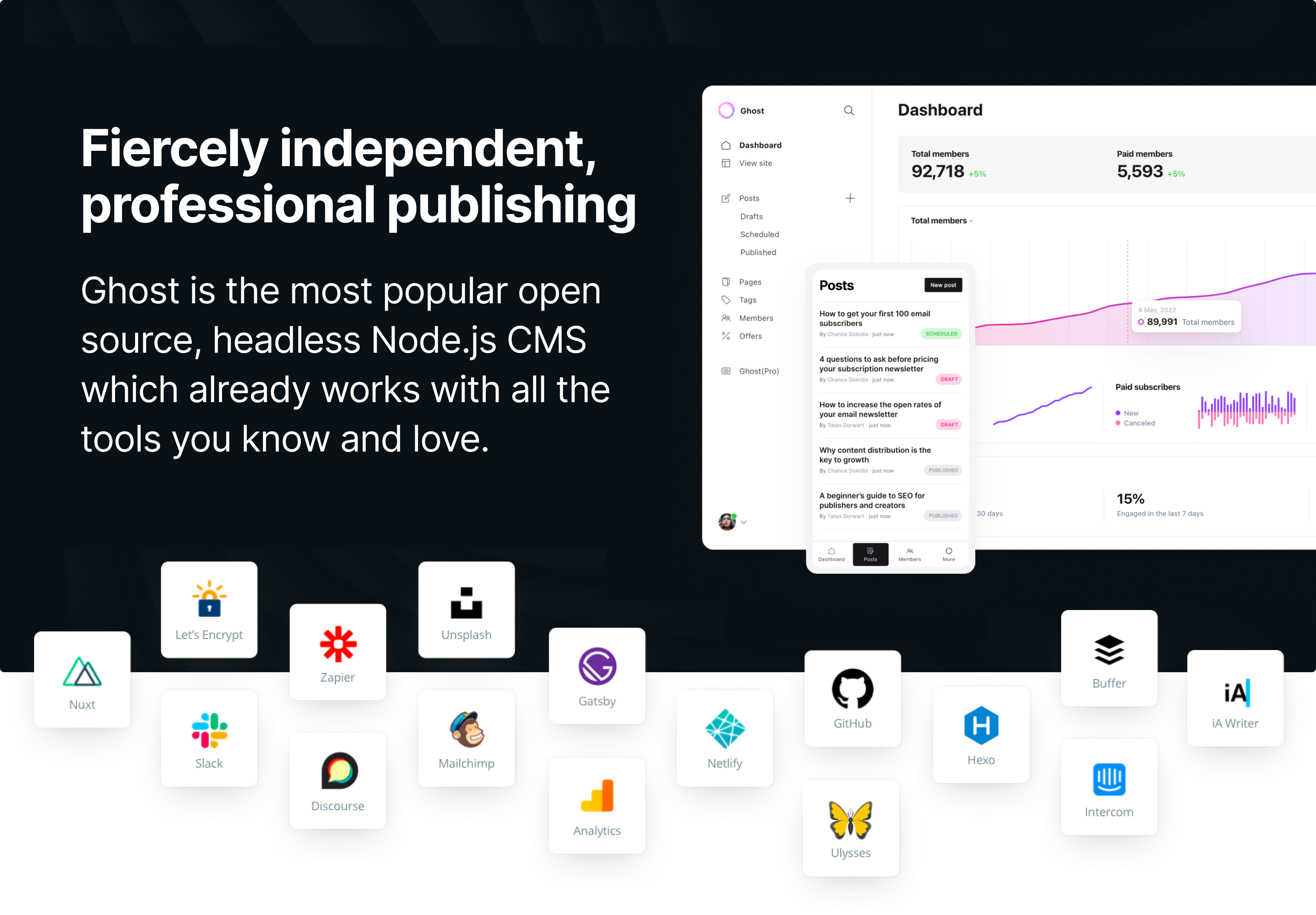
What Ghost Does Well
- Modern editor — Rich content blocks, markdown support, drag-and-drop images, embedded content
- Built-in newsletters — Send posts to subscribers via email without Mailchimp
- Membership and subscriptions — Free and paid tiers with Stripe integration
- SEO and performance — Fast by default, structured data, automatic sitemaps
- Themes — Clean, responsive themes with Handlebars templating
- Content API — Use Ghost as a headless CMS with any frontend framework
The trade-off: Ghost's theme system is more constrained than WordPress. You get a curated set of capabilities rather than an infinite plugin ecosystem. For most blogs, this is a feature, not a bug.
Architecture
Docker Deployment
# docker-compose.yml
services:
  ghost:
    image: ghost:5
    ports:
      - "2368:2368"
    volumes:
      - ghost_content:/var/lib/ghost/content
    environment:
      url: https://blog.yourdomain.com
      database__client: mysql
      database__connection__host: db
      database__connection__user: ghost
      database__connection__password: ghostdbpass
      database__connection__database: ghost
      mail__transport: SMTP
      mail__options__host: smtp.mailgun.org
      mail__options__port: 587
      mail__options__auth__user: [email protected]
      mail__options__auth__pass: your-smtp-password
    depends_on:
      - db
    restart: unless-stopped

  db:
    image: mysql:8.0
    volumes:
      - ghost_db:/var/lib/mysql
    environment:
      MYSQL_ROOT_PASSWORD: rootpassword
      MYSQL_USER: ghost
      MYSQL_PASSWORD: ghostdbpass
      MYSQL_DATABASE: ghost
    restart: unless-stopped

volumes:
  ghost_content:
  ghost_db:
docker compose up -d
Ghost is now running at http://your-server:2368. Visit http://your-server:2368/ghost to set up your admin account.
Critical: The url environment variable must match the actual URL you'll serve Ghost from. If this is wrong, links, images, and the admin panel will break.
Want more content management guides? Get guides like this in your inbox — Self-Hosted Weekly delivers one free deep-dive every week.
Initial Setup
- Navigate to
https://blog.yourdomain.com/ghost - Create your admin account (first user becomes the owner)
- Set your site title, description, and upload a logo
- Write your first post using the block-based editor
The editor supports markdown shortcuts (type ## for a heading, > for a blockquote), drag-and-drop images, embedded bookmarks, code blocks with syntax highlighting, and content cards for galleries, buttons, and callouts.
Email Newsletter Configuration
Ghost can send your posts directly to subscriber inboxes. This is one of its strongest self-hosted features.
For self-hosted Ghost, you need an SMTP provider. Good options:
| Provider | Free tier | Cost after |
|---|---|---|
| Mailgun | 1,000 emails/month | $0.80/1,000 |
| Amazon SES | 3,000/month (if sending from EC2) | $0.10/1,000 |
| Brevo (Sendinblue) | 300 emails/day | $25/month for 20K |
| Postmark | 100 emails/month | $1.25/1,000 |
Configure the SMTP settings in your environment variables (shown in the Docker Compose above), then enable newsletters in Settings > Email newsletter.
Memberships and Subscriptions
Ghost supports free and paid memberships with Stripe integration:
- Go to Settings > Membership
- Connect your Stripe account
- Set pricing for paid tiers
- Create member-only content by toggling post visibility
This gives you a full Substack-like publishing platform — but you own everything. Your subscriber list, your content, your revenue. No platform taking a cut.
Theme Customization
Ghost uses Handlebars templates. The default theme (Casper) is clean and responsive, but the community has dozens of free and premium themes.
# Install a theme from a zip file
# Upload via Ghost Admin > Settings > Design > Change theme

# Or mount a custom theme directory
# Add to docker-compose volumes:
# - ./my-theme:/var/lib/ghost/content/themes/my-theme
For light customization, Ghost's code injection feature lets you add custom CSS and JavaScript without editing theme files:
Go to Settings > Code injection and add custom styles:
<style>
  .gh-content {
    font-family: 'Georgia', serif;
    max-width: 720px;
  }
</style>
Using Ghost as a Headless CMS
Ghost's Content API lets you use any frontend framework while Ghost manages your content:
const response = await fetch(
  'https://blog.yourdomain.com/ghost/api/content/posts/?key=your-content-api-key'
);
const { posts } = await response.json();
This works well with Next.js, Astro, Gatsby, or any static site generator. You get Ghost's excellent editor for content creation while having full control over the frontend.
Ghost vs WordPress vs Hugo
| Feature | Ghost | WordPress | Hugo |
|---|---|---|---|
| Built-in newsletters | Yes | Plugin required | No |
| Memberships | Yes | Plugin required | No |
| Editor quality | Excellent | Adequate | Text editor |
| Plugin ecosystem | Small | Massive | N/A |
| Performance | Fast | Varies wildly | Static (fastest) |
| Security surface | Small | Large (plugins) | Minimal (static) |
| RAM usage | ~150 MB | ~200+ MB | Build-time only |
| Learning curve | Low | Medium | Medium |
| Self-host complexity | Easy | Easy | Easy (but different) |
Backup Strategy
Ghost stores content in MySQL and files (images, themes) in the content directory. Back up both:
# Database backup
docker exec ghost-db-1 mysqldump -u ghost -pghostdbpass ghost > ghost-backup.sql

# Content backup (images, themes)
docker cp ghost-ghost-1:/var/lib/ghost/content ./ghost-content-backup
Ghost also has a built-in export feature: Settings > Labs > Export generates a JSON file with all your content (but not images).
The Bottom Line
Ghost is the best self-hosted option for writers who want a modern publishing platform without the complexity of WordPress. The built-in newsletter and membership features mean you can run a complete Substack alternative on your own infrastructure. Deploy it with Docker, point a reverse proxy at it, configure SMTP for newsletters, and you have a professional publishing platform that you fully control.